Fresh out of the oven
Spot a bug? These tools are new, so the odd thing may still wobble. If something looks wrong, it probably is. Tell us and we will sort it..
Fresh out of the oven
Spot a bug? These tools are new, so the odd thing may still wobble. If something looks wrong, it probably is. Tell us and we will sort it..
Fresh out of the oven
Spot a bug? These tools are new, so the odd thing may still wobble. If something looks wrong, it probably is. Tell us and we will sort it..
Edit tool
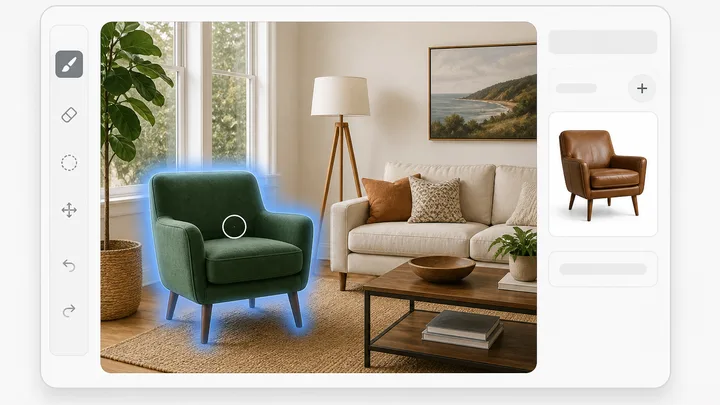
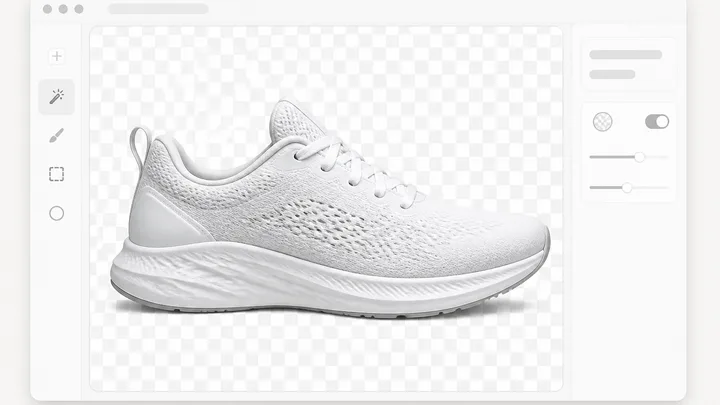
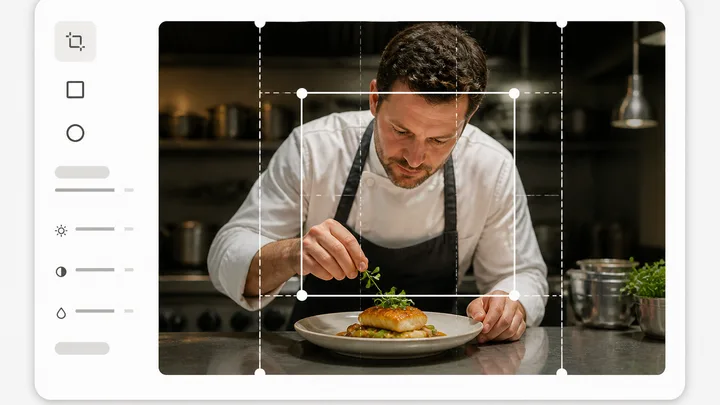
Pinnora's photo editor opens one image on a layered canvas. Paint over a region, describe what belongs there, and only the painted pixels change. Magic Erase, background removal, outpaint and 2x or 4x upscale sit in the same panel. Crop, text, shapes and the adjustment sliders run in your browser and cost nothing.
How it works
The tool is open above. This is the short version of what to do with it.
FAQ
Short answers to what people ask before they start.
More tools
The rest of the family. Every one is free to try and runs on the same engine.