Fresh out of the oven
These tools are new, so the odd thing may still wobble. If something looks wrong, it probably is. Tell us and we will sort it.
Fresh out of the oven
These tools are new, so the odd thing may still wobble. If something looks wrong, it probably is. Tell us and we will sort it.
Fresh out of the oven
These tools are new, so the odd thing may still wobble. If something looks wrong, it probably is. Tell us and we will sort it.
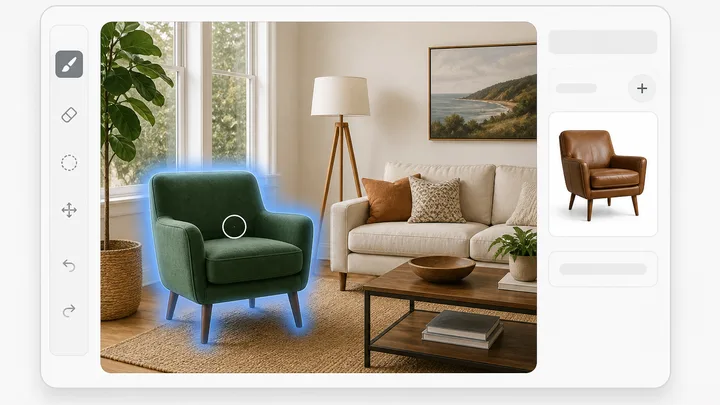
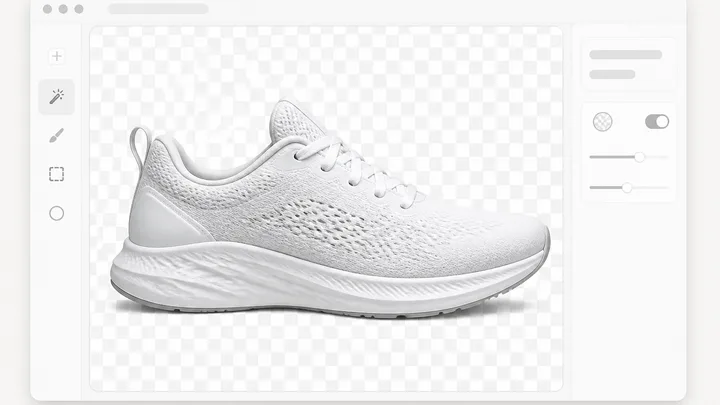
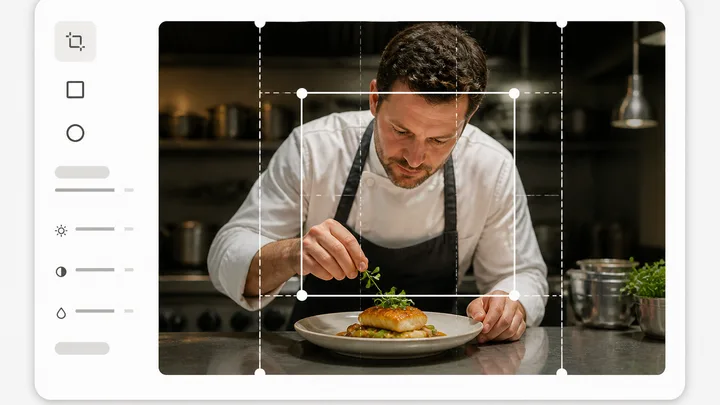
The photo editor opens one image on a layered canvas, with a tool ribbon on the left and Layers plus Properties docked on the right. Pick Generative Fill (G) or Magic Erase (X), brush the region with the Brush size slider (8 to 200 px), then press Generate or Erase. Only the painted area changes. Marquee select, Lasso select and Magic wand feed the same mask, so you can click one flat area at a Tolerance of 2 to 100 instead of brushing it. The AI tools panel holds Remove background, Expand / outpaint and Upscale. Crop, text, shapes, blend modes and the Brightness, Contrast, Saturation, Blur and Levels sliders run in your browser and cost nothing.
The tool is open above. This is the short version of what to do with it.
Drop a file on the panel, press Choose file, or press Open from project to pick a render already in the workspace. It mounts on the full canvas: Move (V), Crop (C), Clone stamp (S) and Text (T) in the left ribbon, Layers and Properties docked on the right.
Press G for Generative Fill or X for Magic Erase and brush the area, with the Brush size slider between 8 and 200 px. Or take Magic wand (W), set Tolerance anywhere from 2 to 100, and click one flat area so the selection becomes the mask.
Type what belongs there in the task bar under the canvas and press Generate. Magic Erase needs no wording and its button reads Erase. The x3 button runs three billed variations, files them all in your library, and opens the first one on the canvas.
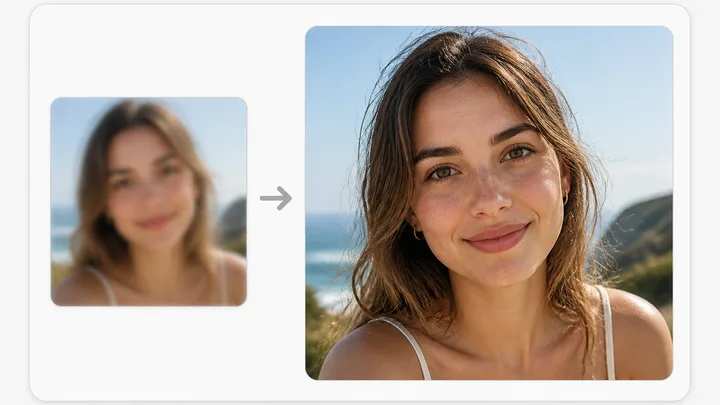
From the AI tools panel run Remove background, Expand / outpaint to 1:1, 4:5, 16:9 or 9:16, or Upscale at 2x or 4x. Save flattens the layers into a new version in the project. Download writes PNG, JPEG or WEBP at 1x, 2x or 4x.
Short answers to what people ask before they start.
The rest of the family. Every one is free to try and runs on the same engine.