Fresh out of the oven
These tools are new, so the odd thing may still wobble. If something looks wrong, it probably is. Tell us and we will sort it.
Fresh out of the oven
These tools are new, so the odd thing may still wobble. If something looks wrong, it probably is. Tell us and we will sort it.
Fresh out of the oven
These tools are new, so the odd thing may still wobble. If something looks wrong, it probably is. Tell us and we will sort it.
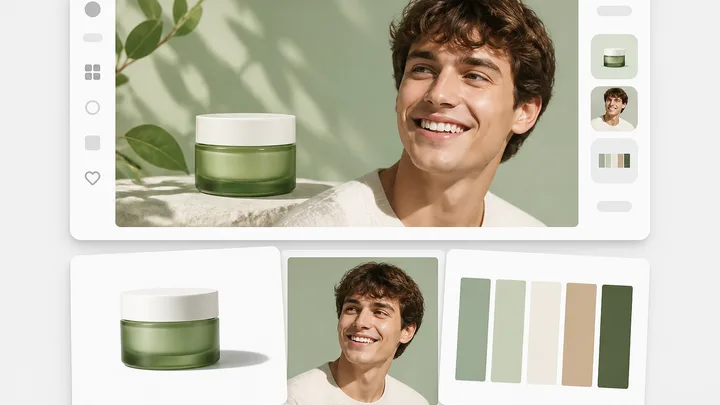
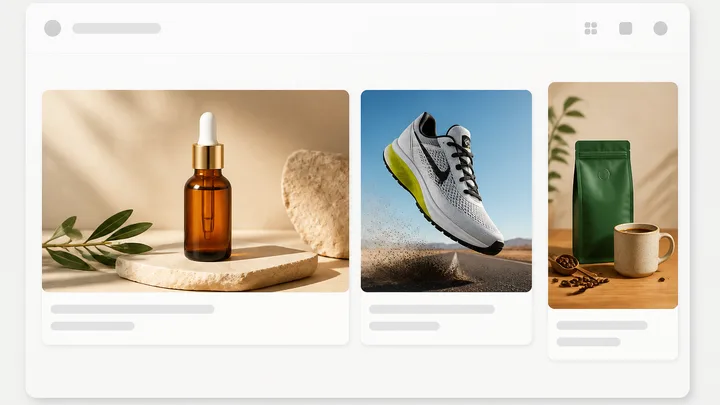
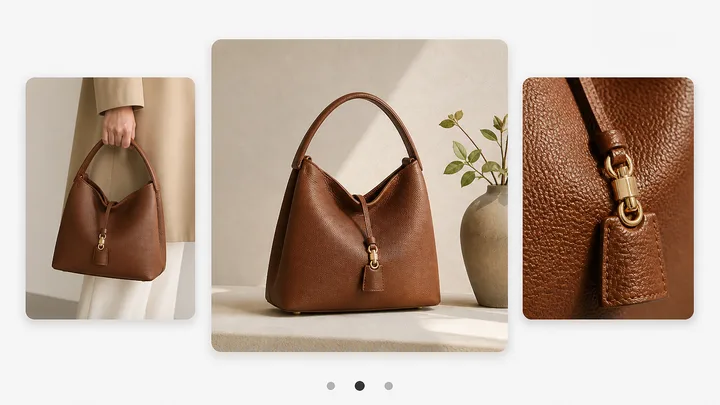
Pinnora's AI image generator renders brand photos with no text in the frame, so the caption stays beside the picture. You write the Image direction, then set Image type, the control that decides the shot: Packshot / product hero, Lifestyle in-context, On-body / in-use, Texture / macro, Before / after, Flat lay, Editorial mood, Founder / behind the scenes, UGC-style still or Mechanism / ingredient. Each one pins a subject, a lens, a light and a set. Aspect ratio takes 1:1, 4:5, 9:16, 16:9 or 3:2. Variations runs 1 to 100, and each one runs as its own render. Product reference role decides how your uploaded product is used. Model defaults to GPT Image 2.
The tool is open above. This is the short version of what to do with it.
Image direction is the only required field, and Generate answers "Image direction is required before you can generate" until it has one. Its placeholder shows the shape it renders well: product on wet slate at dawn, side light raking across the texture. Name the surface, the light and the hour.
Image type holds ten shots: Packshot / product hero, Lifestyle in-context, On-body / in-use, Texture / macro, Before / after, Flat lay, Editorial mood, Founder / behind the scenes, UGC-style still and Mechanism / ingredient. It starts on Packshot / product hero, and each option pins its own lens, light and set.
The Format and volume group holds Aspect ratio, which takes 1:1, 4:5, 9:16, 16:9 or 3:2, and Variations, the 1 to 100 ruler that starts at 4. Every notch is one more render, so 12 returns twelve separate frames instead of one shot repeated.
Fill the Product slot in the References panel, then set Product reference role under the How the product is used heading: Subject anchor to match the real item, Style only to borrow the look, Ignore to leave the product reference out of it.
Short answers to what people ask before they start.
Generate an image, understand what it cost, and find it again tomorrow.
The rest of the family. Every one is free to try and runs on the same engine.